

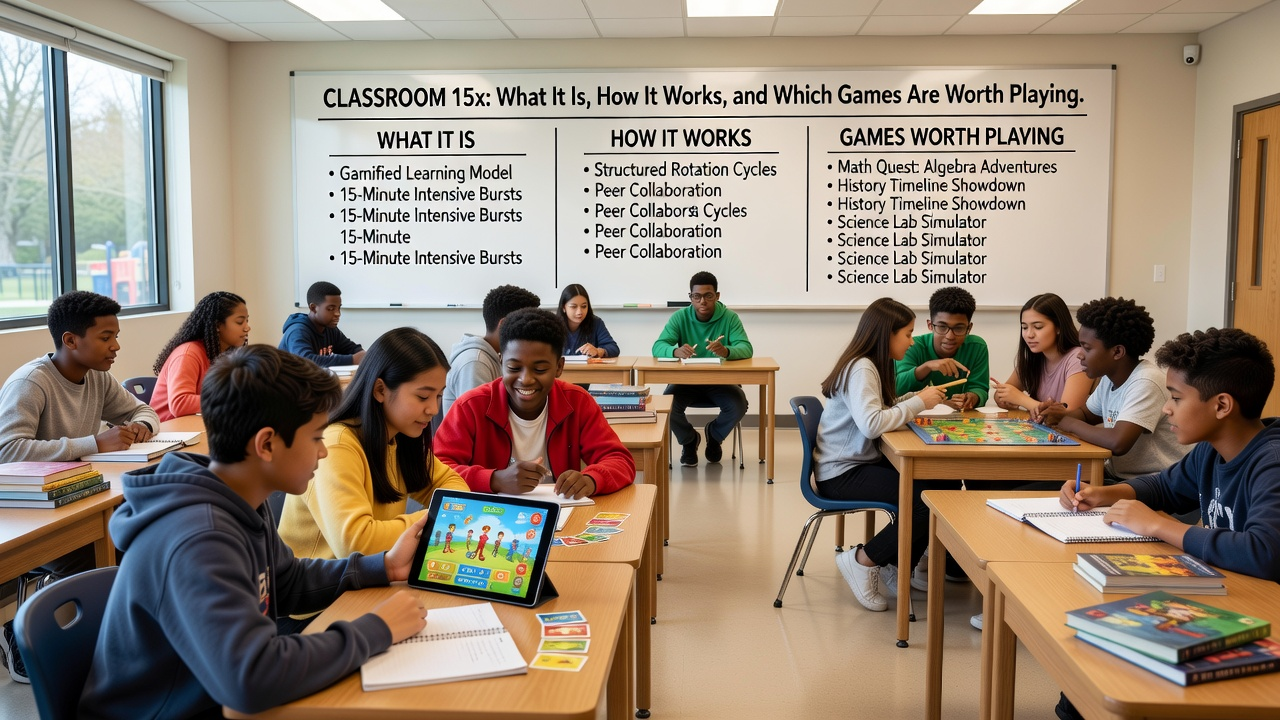
If you have ever had ten spare minutes between classes and nothing to do, you already know why sites like Classroom 15x exist. You open a browser, pick a game, and start playing. There is nothing to install, no account to make, and no waiting around. That simple idea has made the name “classroom 15x” popular with students, and with a lot of casual players at home too.
But when you search for it, you find a confusing mix of pages that all say almost the same thing. Some are on GitHub, some are on Google Sites, and most of them are just long lists of game names. This guide tries to do something more useful. It explains what Classroom 15x really is, how the different versions work, which games are worth your time, and how to enjoy it without getting into trouble.
What Is Classroom 15x?
Classroom 15x is a free collection of browser games gathered in one place. You visit the site, scroll through the list, click a title, and the game opens right in your browser tab. It works much like an arcade where every machine is already switched on.
The name sounds like a single official website, but it is not one. “Classroom 15x” is better described as a style of game hub. Several separate pages use the name, and each one is run by a different person or group. The two most visible ones right now are a version hosted on GitHub Pages and a version built on Google Sites. They look different and carry different game lists, but the goal is the same: give people quick access to simple games that run in a normal web browser.
It is also worth knowing that these pages say they are independent. They are not run by any school, and they are not connected to the companies that make the original games. Many of the games on these hubs were made by other developers and are simply embedded on the page. That is normal for this kind of site, but it is good to keep in mind when you think about quality and safety.
The Two Main Versions You Will Find
The GitHub Pages version is the bigger of the two. When we checked it, it listed more than 400 games and sorted them into many categories, including arcade, sports, racing, puzzle, shooting, strategy, clicker, idle, and educational games. It also has a “New Games” section and a “You May Like” section that make it easy to wander around without a plan. If you like having lots of choices, this one is the better fit.
The Google Sites version is smaller and calmer. It has a menu on the side with a game directory, and the categories are a little different. You will see board games, music and rhythm games, and kids and educational games listed there. It leans hard on the idea that it is made for school devices, and it even puts a friendly reminder at the top of the page telling students to save games for breaks and after school. That reminder is actually good advice, and we will come back to it later.
Neither version is “the real one.” They are two takes on the same idea. If one page is slow or a game does not load, trying the other is a perfectly fair next step.
Why People Like It
The main reason is speed. Most console and PC games ask for a long download, a login, and sometimes a payment. A browser game asks for none of that. You click, and you play. For someone who only has a few minutes, that matters more than fancy graphics.
The second reason is that the games are light. Because they run inside a browser, they work on devices that could never handle a big modern game. A basic laptop, an older tablet, or a school Chromebook can run most of them without trouble. That is a big part of why the name is tied so closely to Chromebooks.
The third reason is variety. A person who wants a quick puzzle, a person who wants a car stunt game, and a person who wants a football season to manage can all find something on the same page. You do not have to hop between five different sites.
Games Worth Trying First

With hundreds of titles on offer, it helps to have a starting point. These are some of the most popular games on both versions, and they cover different moods.
Retro Bowl is the one people mention most. It is a football game with a retro look, and it is more about running a team than controlling every move. You pick plays, manage your roster, and try to build a winning season. It is a good pick if you like sports and want something that rewards planning.
Space Waves is a test of reflexes. You guide a small shape through a narrow path filled with obstacles, and one wrong move sends you back to the start. It sounds simple, but it is very easy to say “just one more try” and lose twenty minutes. If you like short, hard challenges, this one will keep you busy.
Run 3 has you sprinting and jumping along tunnels in space. There are gaps everywhere, and a bad jump means you fall into nothing. It starts easy and slowly turns sneaky, which is what makes it fun.
Slope is another favorite that people play again and again. You steer a ball down a fast track and try not to fall off. It has almost no rules to learn, but the speed builds until your hands start to shake a little.
Moto X3M is a motorbike stunt game with ramps, spinning blades, and tricky jumps. Each level is short, so it fits nicely into a small break. Drift Hunters is a better match for car fans, since it is all about sliding around corners with different cars and slowly upgrading them.
1v1.LOL is a shooting game with building moves, and it is popular with people who like competitive play. It takes more practice than most games on the list, so be ready to lose a few rounds before it clicks.
Calmer Options for When You Want to Slow Down
Not every break needs a racing heart. Both versions also include quieter games that are easy to enjoy and sometimes even help your brain a little.
2048 is a sliding number puzzle that looks easy and then slowly gets tricky. Wordle and Wordle-style games ask you to guess a hidden word, which is great for vocabulary. Chess and checkers are there for anyone who likes thinking a few moves ahead. Little Alchemy gives you a handful of basic elements and asks you to combine them into new things, which is a nice way to be curious without any pressure.
Then there are the clicker and idle games, such as Cookie Clicker. You click, buy upgrades, and watch your numbers grow. They are not deep, but they are relaxing in a strange way, and they suit people who just want something running while they take a breather.
If you want something to play with a friend, Fireboy and Watergirl is a classic choice. It works best when two people share a keyboard and have to help each other through the puzzles.
How to Start Playing
Getting started is very simple. Open the Classroom 15x page you prefer, then either scroll through the list or pick a category that sounds right. Click a game, wait a moment for it to load, and read the controls if they are shown on the screen. Most games use the arrow keys, the WASD keys, the spacebar, or the mouse. Many also work with touch on a tablet or phone.
A few small habits make things smoother. Go full screen if the game gives you that option, because it cuts out distractions and makes the screen easier to read. Keep your sound low or use headphones, especially in a shared space. If you find a game you love, bookmark the page so you do not have to search for it again. And if something looks frozen, give it a few seconds before you refresh, since some games take longer to wake up than others.
Using Classroom 15x on a Chromebook
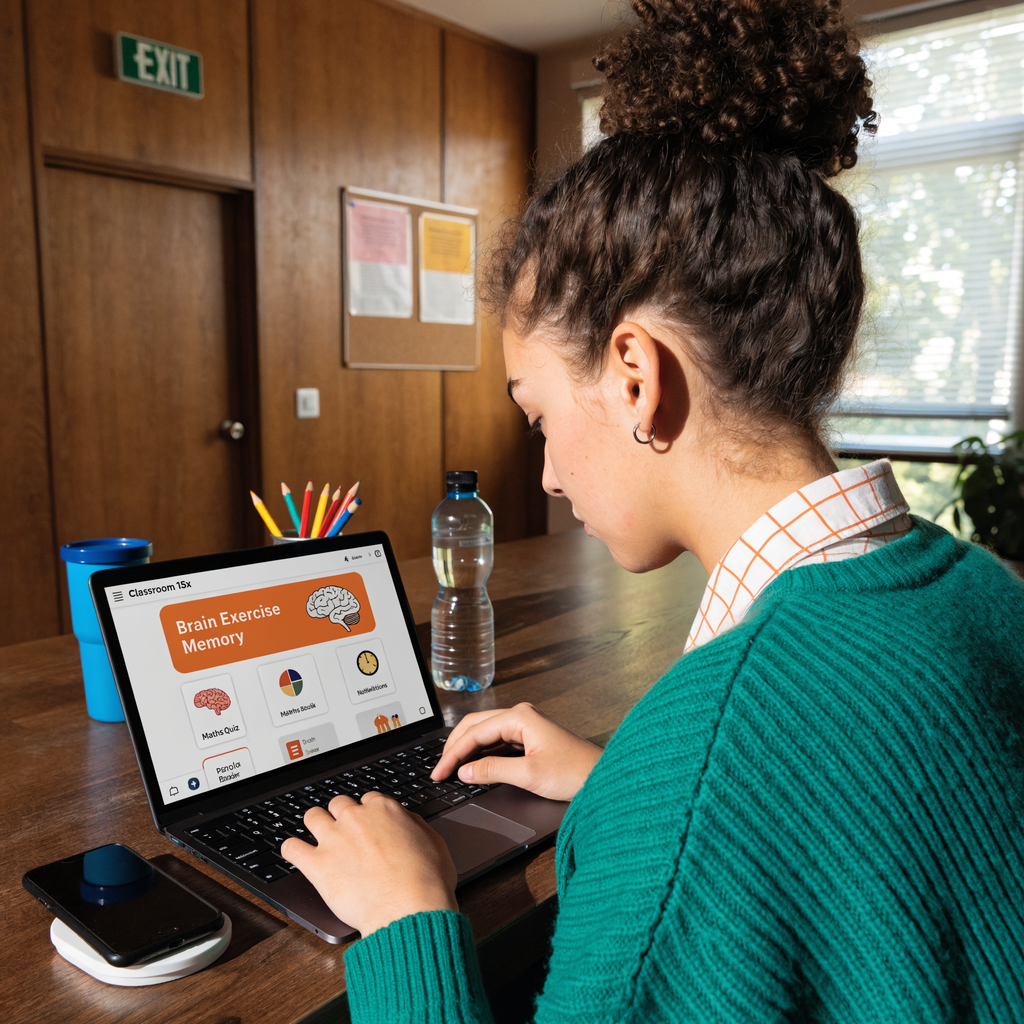
Chromebooks are the device most people are thinking of when they search for this name, and the games usually run well on them. Since the games are made for browsers, there is no need to install anything or use special tools.
If a game feels slow, close extra tabs first. A Chromebook has limited memory, and a dozen open tabs will make any game stutter. Make sure Chrome is up to date as well, because older versions sometimes struggle with newer web games. If a game still will not load, try again later or switch to the other Classroom 15x version. Sometimes a page is simply having a bad day.
The Part Nobody Likes Talking About: School Rules
Here is the honest part. Many people look for Classroom 15x because other game sites are blocked at their school. Those blocks are there for a reason. Schools use them to keep classes focused and to protect their networks, and a game page that happens to be reachable is not the same thing as a game page that is allowed.
Both versions of the site say something similar in their own words. The Google Sites page tells students to check their school’s internet policy, and the GitHub page says the same about managed networks. That is the right way to think about it. If your school says games are not allowed on school devices, then playing them can get you into real trouble, no matter how short the break was.
The safest approach is simple. Play during breaks, lunch, or free time when it is clearly allowed. If you are not sure, ask a teacher. And if you are at home on your own device, you have far fewer things to worry about. Games should be the reward after the work is done, not a replacement for it.
Staying Safe While You Play
Because these hubs are run by independent people, it is smart to be a little careful. Most browser games are harmless, but you should still use common sense.
Never download anything a game page asks you to install. A real browser game does not need it. Be careful with pop-ups, fake “update” buttons, and anything that asks for a password or personal details. A game does not need your real name, your address, or your school login, so do not type them in. If a page starts sending you to strange websites, close the tab and move on.
Ads can also be a problem on free game sites. Some are harmless, and some are annoying or misleading. A page that claims to have no ads at all is promising a lot, so treat that kind of claim with a pinch of salt and keep your own guard up. Using an up-to-date browser and a good ad blocker, where it is allowed, helps a lot.
Parents may also want to look at what their kids are playing. Most of the library is family-friendly, but a big list will always include some games with fighting, shooting, or scary themes. A quick look at the category before handing over a device is worth the effort.
What to Do When a Game Will Not Load
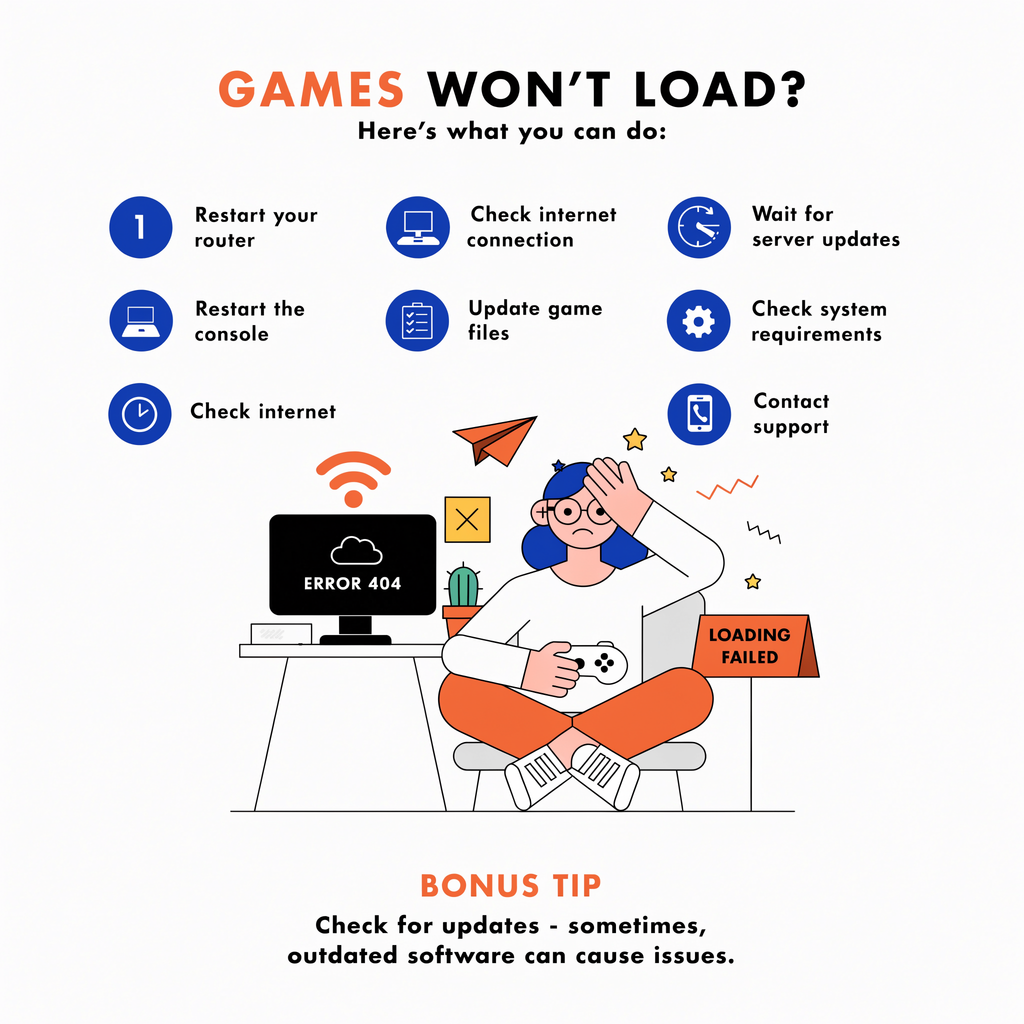
This happens to everyone sooner or later. Start with the basics: refresh the page, check that your internet is working, and wait a little longer than you think you need to. If the game is still stuck, try another browser, since some games behave better in one than another.
Clear your browser cache if the problem keeps coming back, because old saved files can cause odd behavior. If the game works on one version of Classroom 15x but not the other, that tells you the problem is with that particular page, not with your device. Some games also get removed or moved over time, so a title you loved last month might not be there today. That is just part of how these hubs work.
Can Playing Browser Games Be Good for You?
In small amounts, yes, and that is not just an excuse. Puzzle games build patience and planning. Word games help with spelling and vocabulary. Fast reaction games sharpen your timing, and strategy games teach you to think ahead. Even a simple clicker game can be a calm way to reset your mind after a hard lesson or a long day.
The key word is balance. A ten-minute break can refresh you, but an hour of “just one more round” will leave you tired and behind on your work. The best players are the ones who know when to stop.
Read More: oxlabs: Web, Mobile & Desktop Software Studio Explained
Frequently Asked Questions
Is Classroom 15x free?
Yes, the games on these hubs can be played for free in your browser. You do not need to buy anything or make an account to start.
Is Classroom 15x an official website?
No. The name is used by several independent pages, and they say they are not tied to any school or company. Treat each one as its own separate site.
Do I need to download anything?
No. The games run in your browser, so you should not install anything. If a page asks you to download a file, close it.
What are the best games to start with?
Retro Bowl, Space Waves, Run 3, Slope, and Moto X3M are good first picks. If you prefer something calm, try 2048, Wordle, or Little Alchemy.
Can I play it on a phone or tablet?
Many games work with touch controls, though some are clearly made for a keyboard. If a game feels awkward on a small screen, try it on a laptop instead.
Is it okay to play at school?
Only if your school allows it. Always check your school’s rules or ask a teacher first. A quick question can save you a lot of trouble later.
Final Thoughts
Classroom 15x is popular for a simple reason: it gives people a fast, easy way to play something fun without any setup. The GitHub version offers a huge library, and the Google Sites version keeps things smaller and simpler. Both are good places to find a quick game, as long as you stay careful about what you click and respectful of the rules where you are playing.
Pick a game that matches your mood, keep your sessions short, and enjoy the break. When the timer is up, close the tab and get back to what you need to do. That is how you get the most out of it.












Leave a Reply